

Ranking and Boosting
Search results are ranked using the BM25 algorithm, which considers term frequency and document length.
Field Weights (Boosting)
You can give more weight to matches found in specific fields. For example, a match in a Title field should usually rank higher than a match in a Description field.
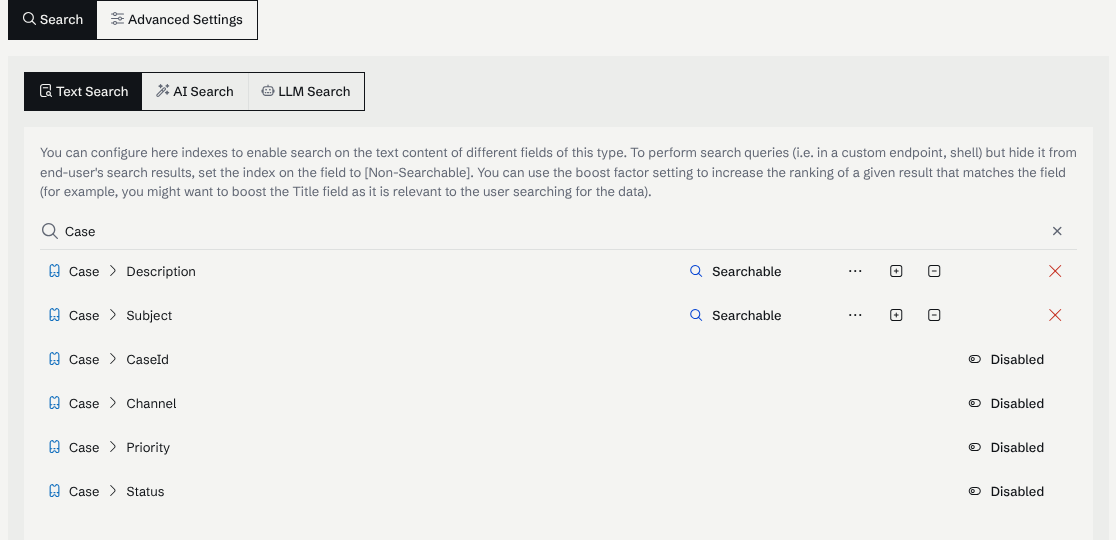
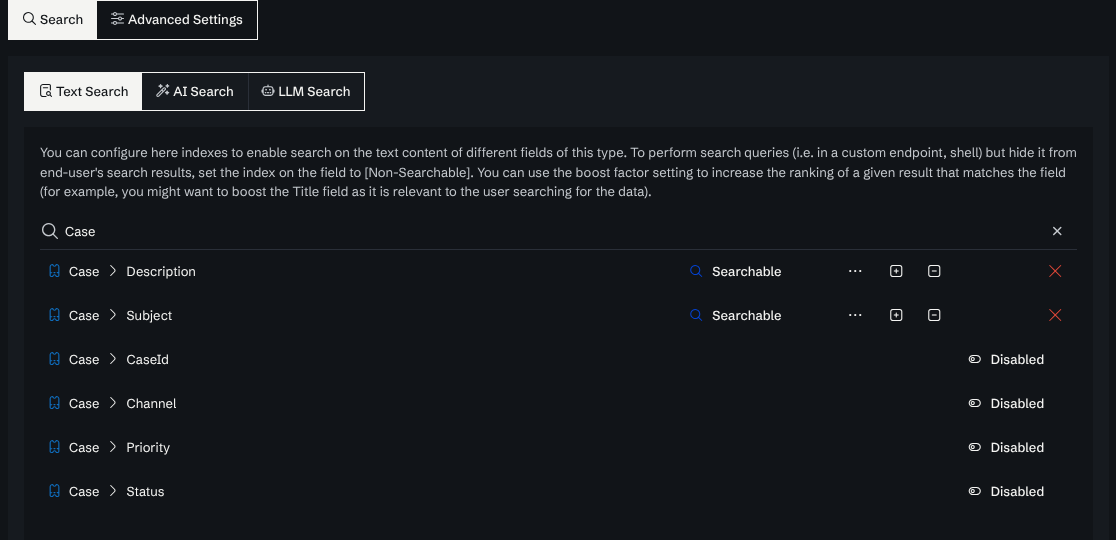
- Use the + and - buttons in the Full Text Search settings to adjust the boost value for each field.
The + and − buttons are on the right of each searchable field:
Graph-based Ranking
In addition to text matching, the ranking can be influenced by graph metrics, such as the number of relationships a node has or specific properties of related nodes.