

Scheduled Tasks
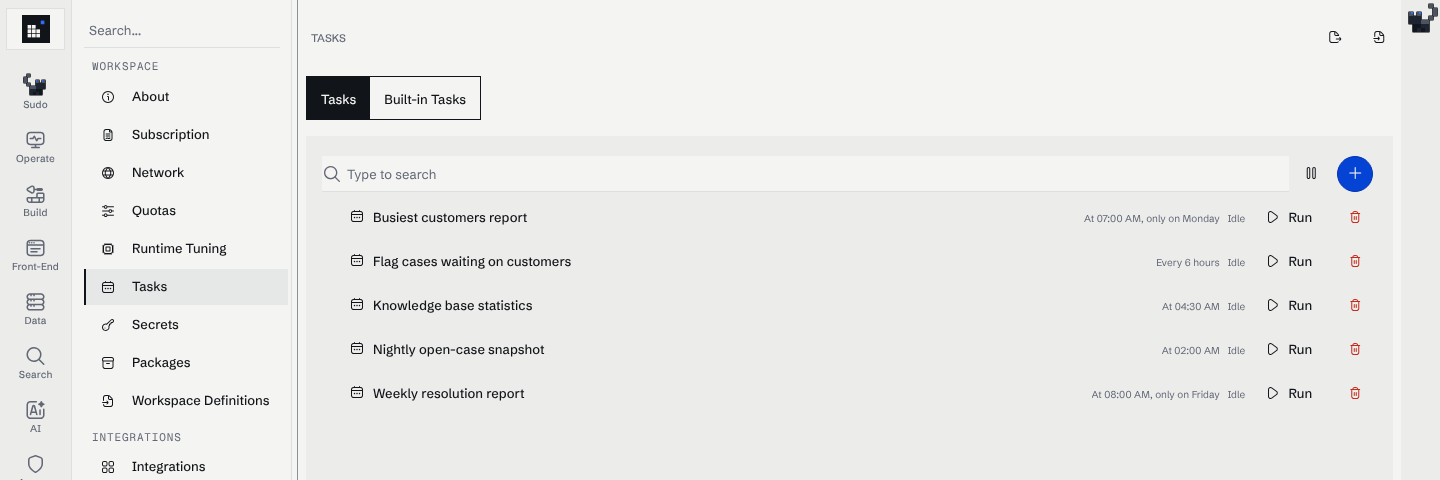
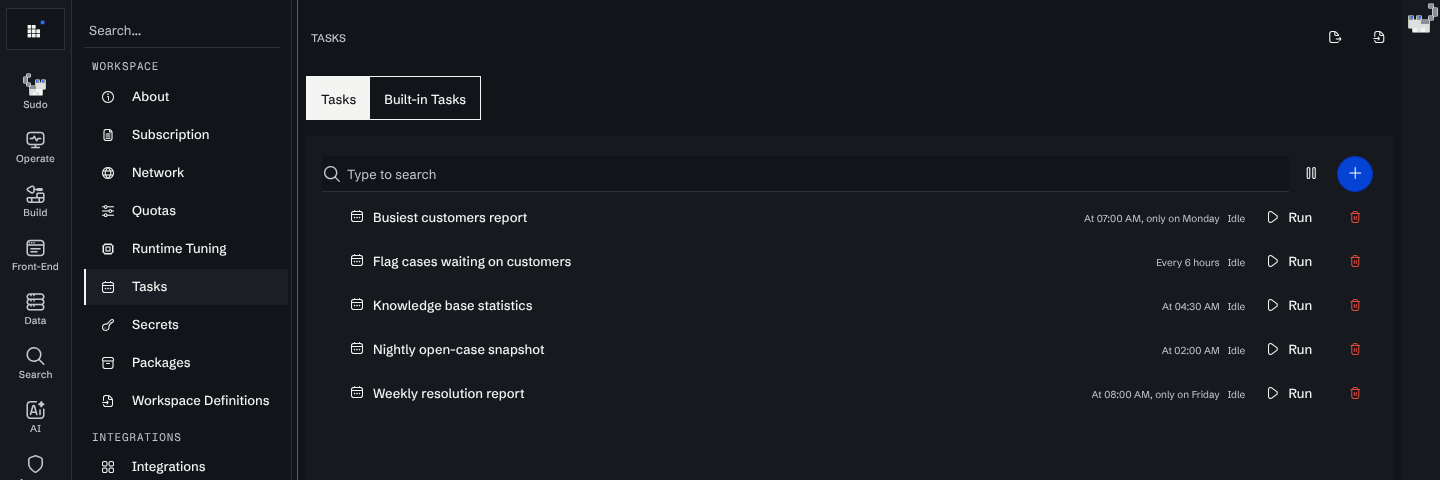
Scheduled tasks run work periodically inside a Curiosity Studio environment. They are commonly used for:
- periodic ingestion (hourly/daily sync)
- reindexing and maintenance operations
- enrichment jobs (NLP reparse, entity linking, batch similarity)
- reporting and aggregation
What makes a good scheduled task
- Idempotent: reruns are safe.
- Bounded: does not process unbounded amounts of data without pagination.
- Observable: emits logs/metrics and failure reasons.
- Permission-aware: respects access control where needed.
Task categories
- Ingestion tasks
- call connectors or integration logic on a schedule
- Maintenance tasks
- rebuild indexes, backfills, schema migrations (with care)
- Enrichment tasks
- reparse fields with updated NLP pipelines
- compute derived relationships
- Analytics tasks
- compute dashboards and cached aggregates
Configuring scheduled tasks
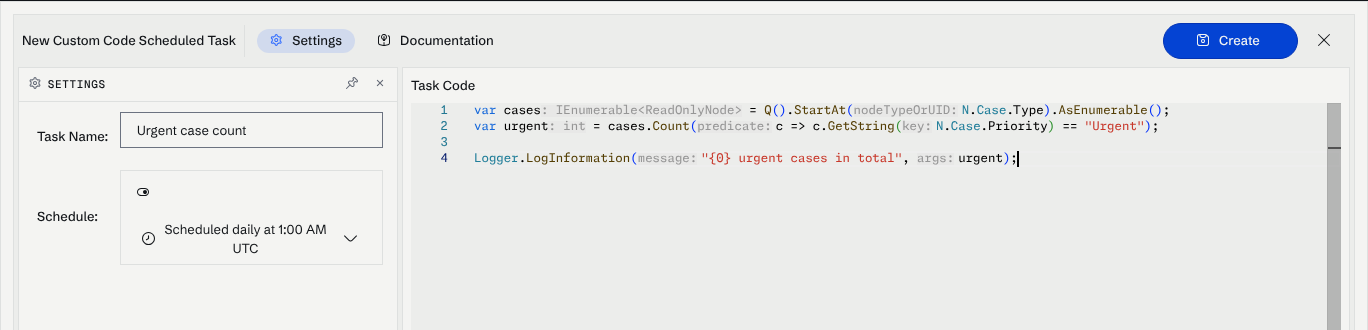
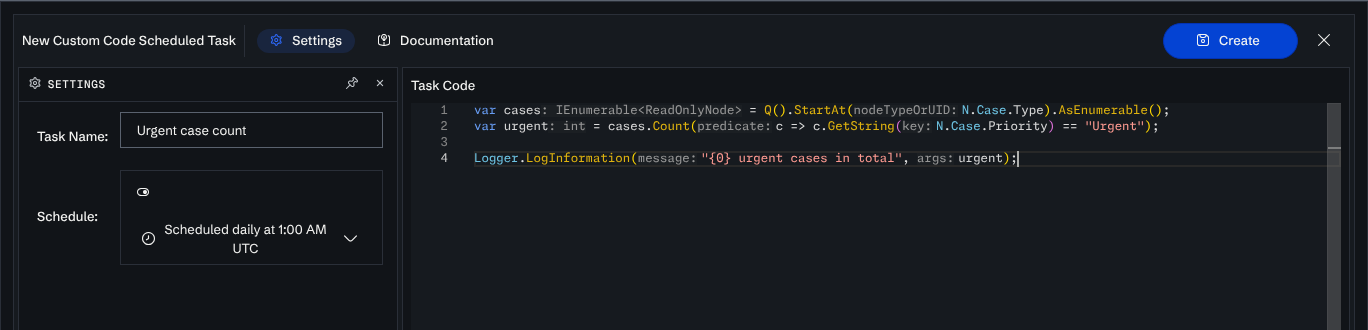
Cron-like Scheduling
Tasks use standard Cron expressions for timing:
0 * * * *: Run every hour.0 0 * * *: Run every day at midnight.0 0 * * 0: Run every Sunday at midnight.
Setting up a Task
- Navigate to Admin → Scheduled Tasks.
- Click New Task.
- Select the Task Type (e.g.,
Ingest,Reindex,Backup). - Enter the Cron Expression.
- Configure any type-specific parameters (e.g., connector ID, backup path).
- Enable the task and monitor its execution in the logs.
Operational Reliability
- Automatic Backups: Schedule daily backups to a secure off-site location.
- Periodic Re-indexing: Schedule re-indexing during low-traffic periods to ensure search relevance is maintained.
- Ingestion Sync: Align ingestion tasks with the update frequency of your source systems.
Next steps
- Keep ingestion consistent over time: Ingestion Pipelines
- Run custom logic safely: Custom Endpoints