

Entity linking
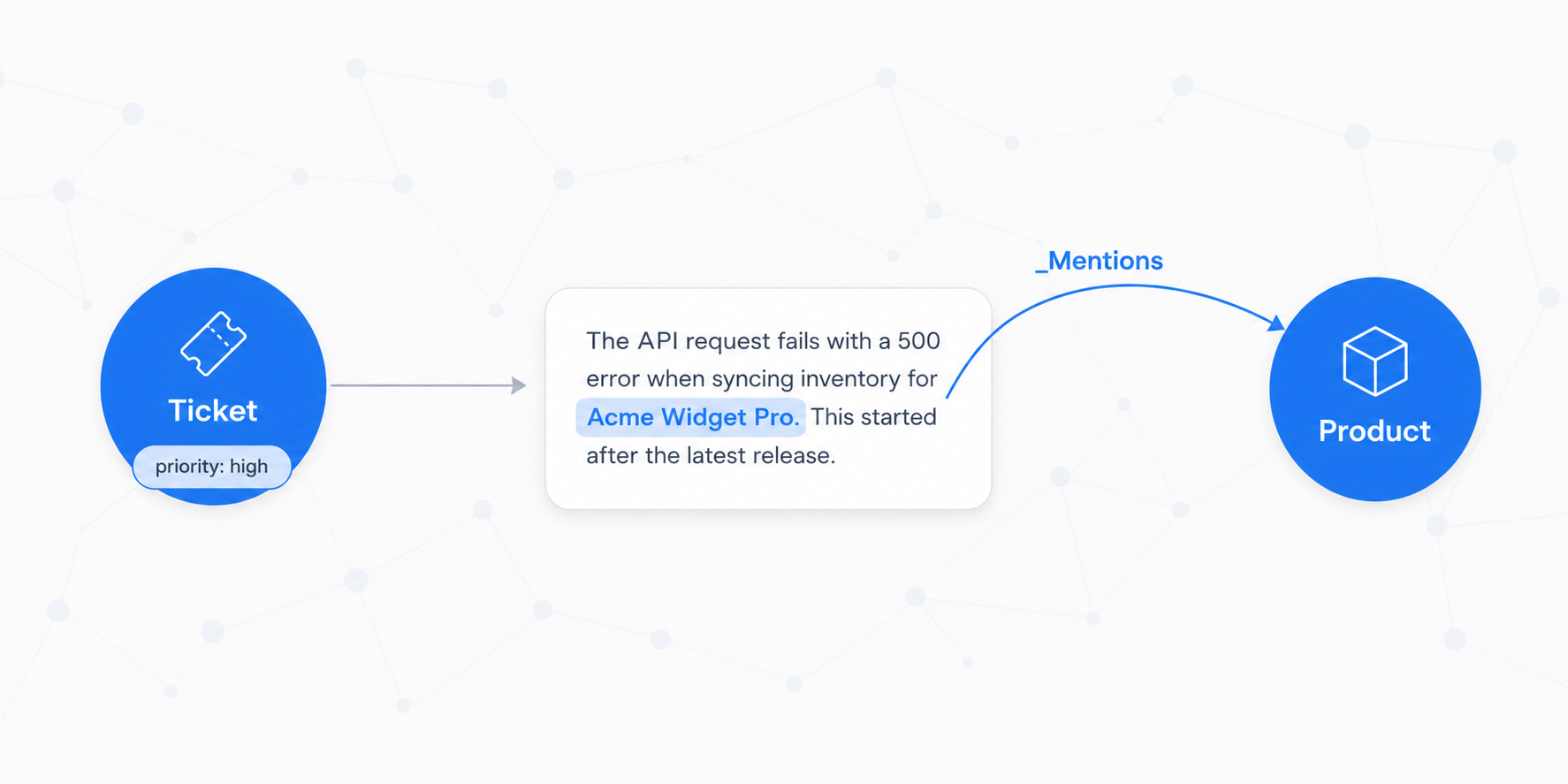
Extraction finds spans. Linking connects those spans to existing graph nodes.
What gets created:
When the pipeline matches MBA-2024 in a ticket body and link_to: Device:MBA-2024 is configured:
Ticket node ──_Mentions──▶ Device node (key: MBA-2024)
Default edges: _Mentions (source → entity) and _AppearsIn (entity → source).
Configuration:
In Management → Data → [node type] → Linking tab, enable linking for the pipeline sources you want to activate. You can also customise the edge names to match your domain model.
Auto-create missing nodes: enable "If missing node, create new node" to let the pipeline populate the graph with entities it hasn't seen before. Useful during initial enrichment; disable once the vocabulary is stable.
Querying linked entities:
// All entities mentioned in a specific ticket
var entities = Q().StartAt(Node.FromKey(N.Ticket.Type, ticketId))
                  .Out("_Mentions")
                  .ToArray();