

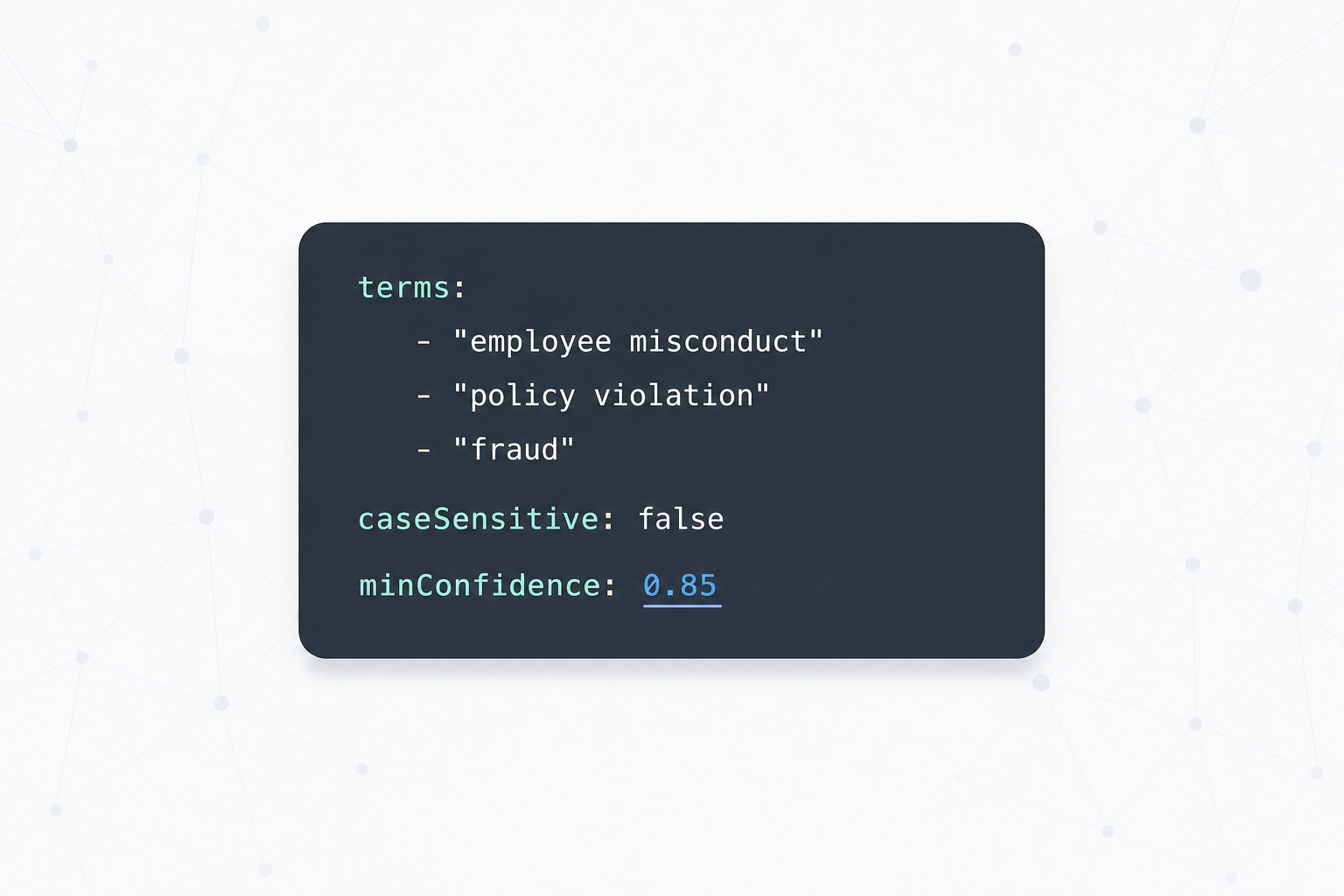
Configuring a spotter
Spotters are configured in pipeline YAML. Each entry declares a vocabulary with optional aliases and a link target.
pipeline:
  language: auto
  spotters:
    - kind: dictionary
      name: products
      entries:
        - value: MacBook Air
          aliases: [MBA, "MacBook Air 2024"]
          link_to: Device:MBA-2024       # links to this node key on match
        - value: ThinkPad X1
          aliases: [X1C]
          link_to: Device:TPX1
      min_confidence: 0.85
  exclusions:
    - context_includes: ["e.g.", "for example"]   # suppress false positives
Confidence thresholds — a practical guide:
| Threshold | Use for |
|---|---|
| ≥ 0.60 | Show entity highlight in UI |
| ≥ 0.70 | Use as a facet |
| ≥ 0.85 | Auto-link to graph node |
| ≥ 0.95 | Auto-merge / deduplicate |
Start conservative (0.85 for linking). Lower once you've validated precision on real data.