

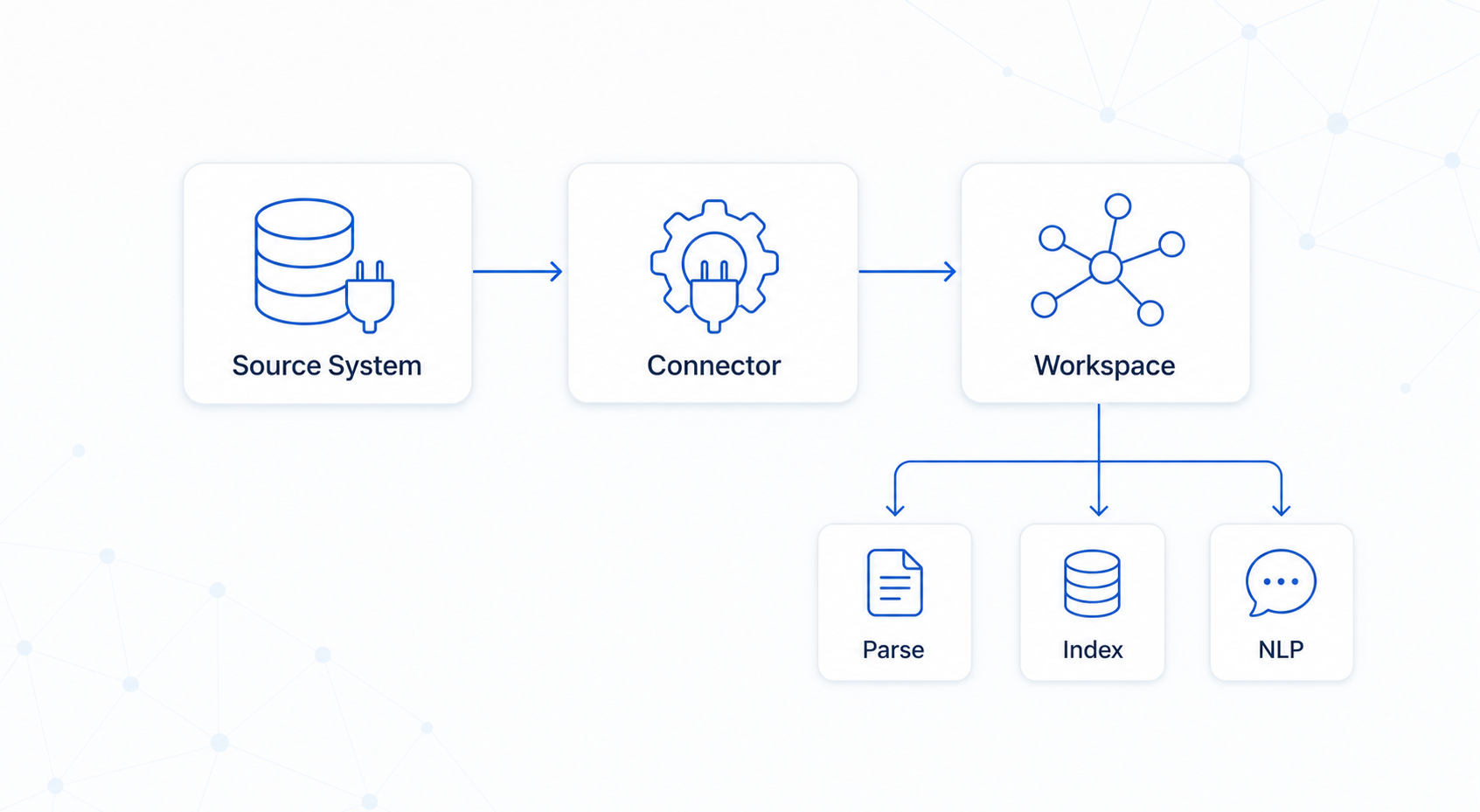
What is a connector?
A connector reads from a source system and writes structured data into a Curiosity Studio workspace, keeping the two in sync over time.
Built-in integrations (no code) cover common sources: SharePoint, Google Drive, Confluence, SQL databases, file shares, and others — configurable in Settings → Integrations.
Write a custom connector when:
- Your source isn't in the built-in list
- You need control over how records map to the graph
- You need to mirror the source's access permissions
- You're combining data from multiple sources into one schema
Every connector does five things:
- Authenticate — API token scoped to
ingestion - Register schemas — declare node and edge types (once, at startup)
- Read from source — initial full load, then incremental deltas
- Upsert —
TryAddnodes,Linkedges, set permissions - Commit — in bounded batches; record a cursor for the next run
The workspace then handles text extraction, NLP, and indexing automatically.